
AI map data analysis in Kaleidr Studio is a plain-language question over one dataset on the map you have open. The assistant counts, filters, sorts, totals, averages, and groups every row, and it can find point rows near a place or inside a rectangle. The table stays unchanged. A result lists at most 100 rows or groups, while a count can still cover every match.
The sections below separate that count from the shorter list you see, then cover column roles and the line between author analysis and a visitor's published map. A replacement upload and the storage limits sit with Kaleidr's data guide (Kaleidr, 2026). The last step is a question against a file you already have open in Studio.
What is AI map data analysis in Studio?
The assistant is part of the map you are editing in Kaleidr Studio. You ask in ordinary language, and the answer comes from the whole dataset, so a count is a count of every row and a ranking is a ranking of every row. Kaleidr's data guide lists the jobs: describe the columns, filter, sort, count, total, average, group, and find rows near a point or inside an area. Text matching ignores case, so a search for texas can find Texas.
Why one dataset at a time?
A question is answered from one dataset. The assistant does not join two files or compare rows across them in one step. On a map that holds stores, competitors, and events, name the dataset you mean. Naming the dataset keeps a question from mixing files whose columns and meanings differ.
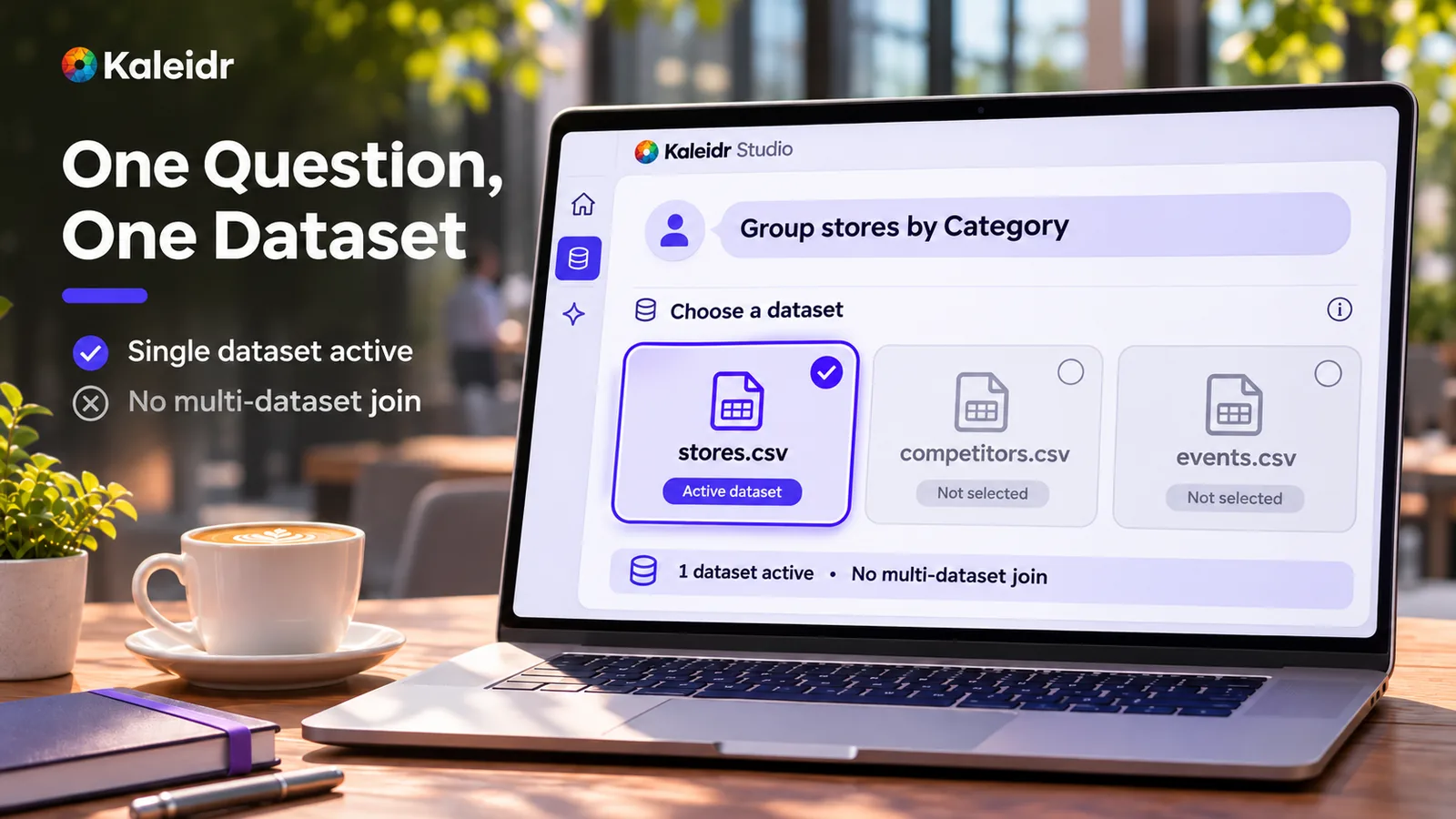
One question uses one dataset. The other files on the map stay outside that step, and the artwork says there is no multi-dataset join. The file names are a sample shelf, not a live account.
Why does a count cover every row?
The assistant works over the whole dataset, not a sample. When a question matches 4,200 rows, the assistant has the figure 4,200 even though the result lists only some of those rows. One result returns at most 100 rows or groups. Ask for the following rows, or narrow the question, and the count of matches still covers all of them.
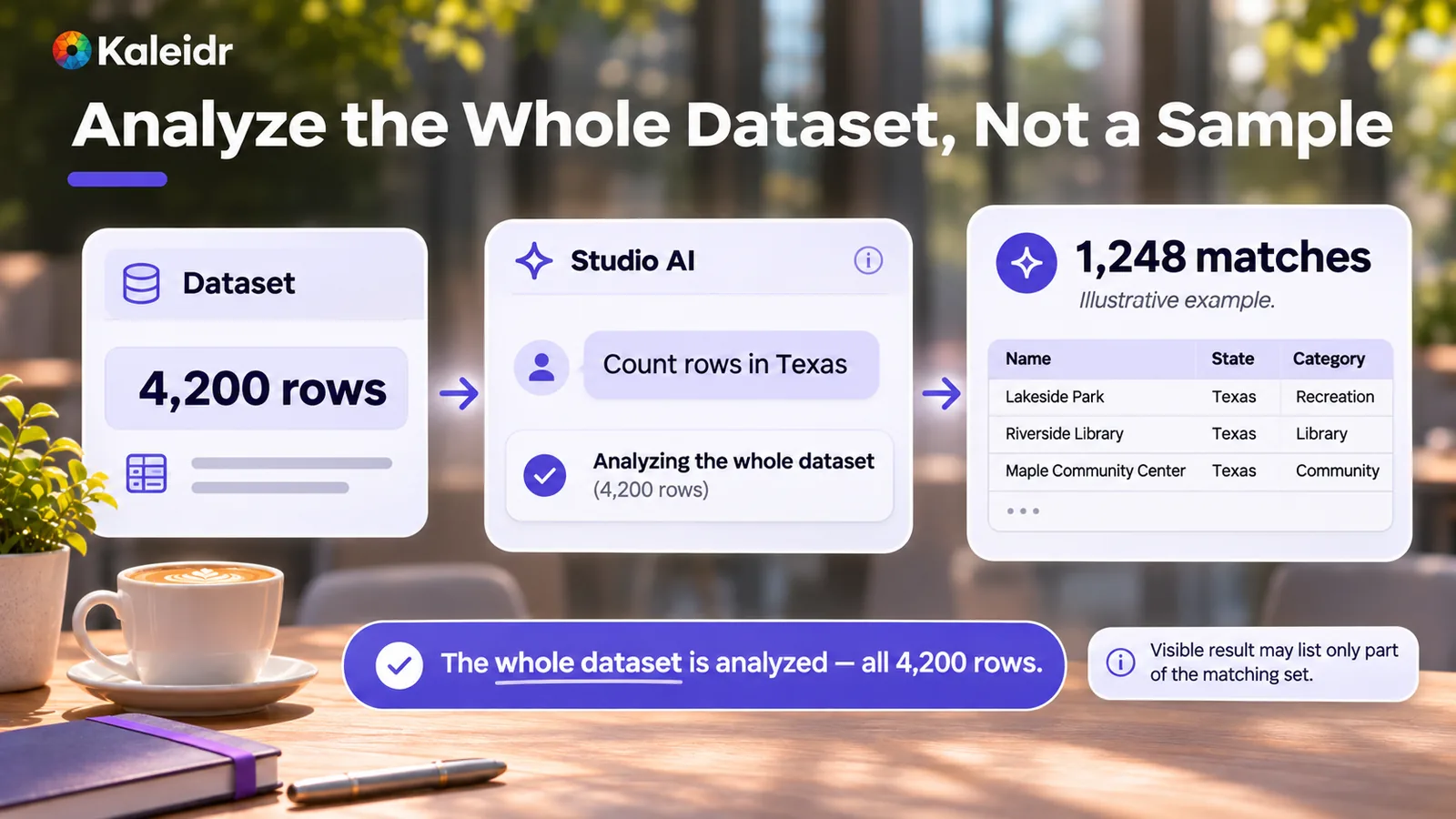
The 4,200-row example is the one in Kaleidr's data guide: the assistant can report that count while listing only part of the set. The 1,248 matches and the three place names on the artwork are sample labels, not a live query and not a measured result.
What stays unchanged when you ask?
The assistant reads the data and never changes it. The assistant does not edit, add, or delete rows. To change the data, upload the file again. A replacement file with the same name takes the earlier dataset's place after the new file is stored and read, and the column roles you set carry over when those columns still exist.
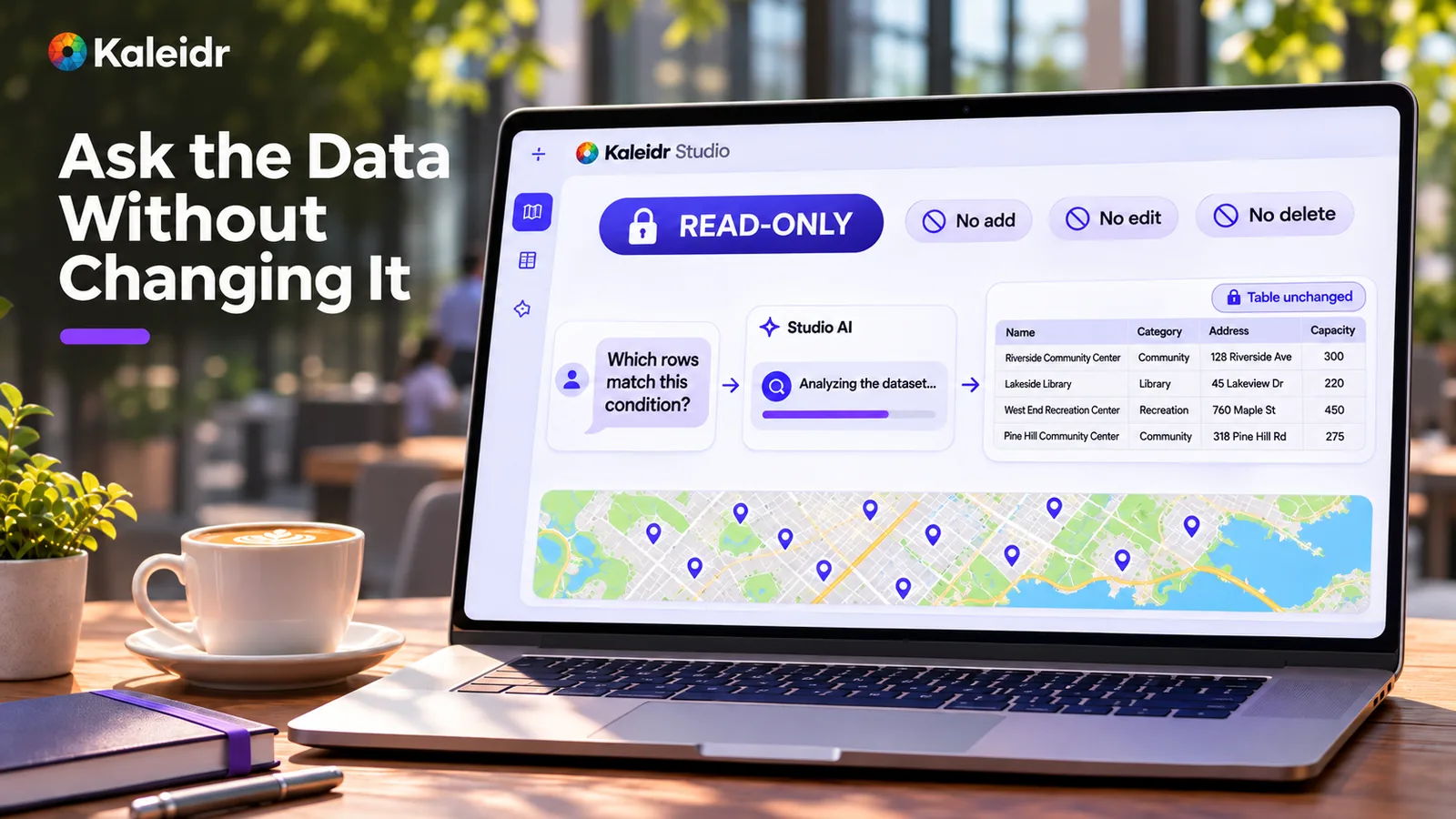
The question is analyzed while the table stays as it was. The lock and the three refusals match the guide: the assistant does not add, edit, or delete rows. The place names and capacities on the screen are sample labels.
What can you ask one dataset?
You can ask what is in the file, which column to color the map by, and which rows match a condition. You can sort and rank, count, total, and average, including an average inside a group. You can group by a column, such as city or category. Near and inside questions work on rows that have a point location, and an area is a rectangle given by its west, south, east, and north edges.
Keep every cell in a number column a plain number, so a total or an average treats the column as numeric. The assistant can move the map to the rows it found. To see those rows on the map, draw the dataset as a layer.
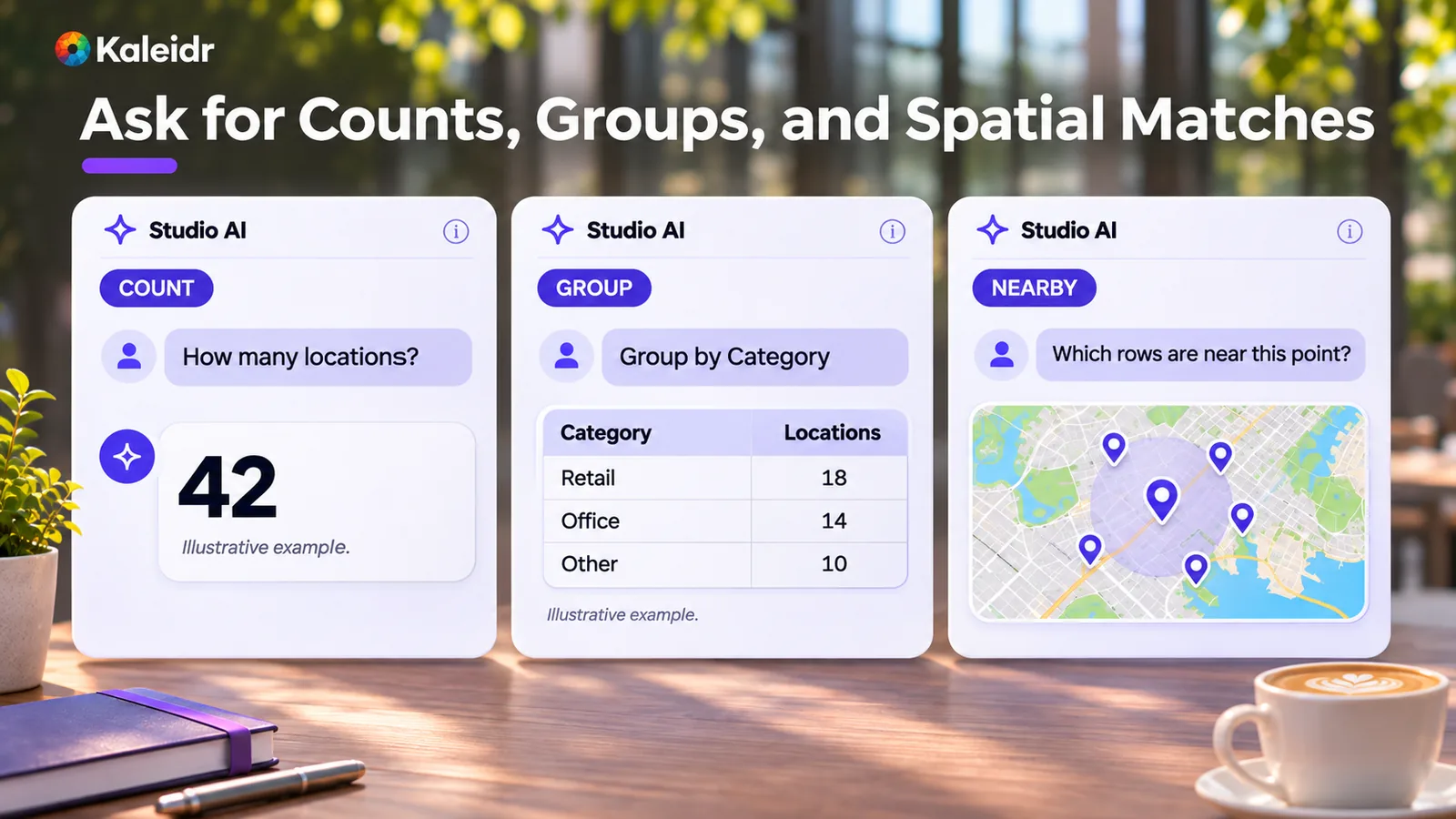
Count, group, and nearby are three of the question types the guide lists. The 42, the category totals, and the five pins are marked on the artwork as an illustrative example. Those marks are not a live query and not a Kaleidr measurement.
How do column roles help?
After an upload, Studio suggests four column roles: Name, Category, Description, and Address. Name is what the assistant calls each place. Category says what kind of thing the row is, Description is a sentence or two about it, and Address marks the street-address column. A role stays empty when Studio finds no column that fits, and you correct the four menus in the Column Roles fold of the Data panel.
Address is not a substitute for coordinates. Near and inside questions need a point location on the row. Name matters again after you publish: the Ask Kaleidr panel on a published map reads dataset rows that have a Name column and point coordinates. Set Name when you expect a visitor to ask about a place.
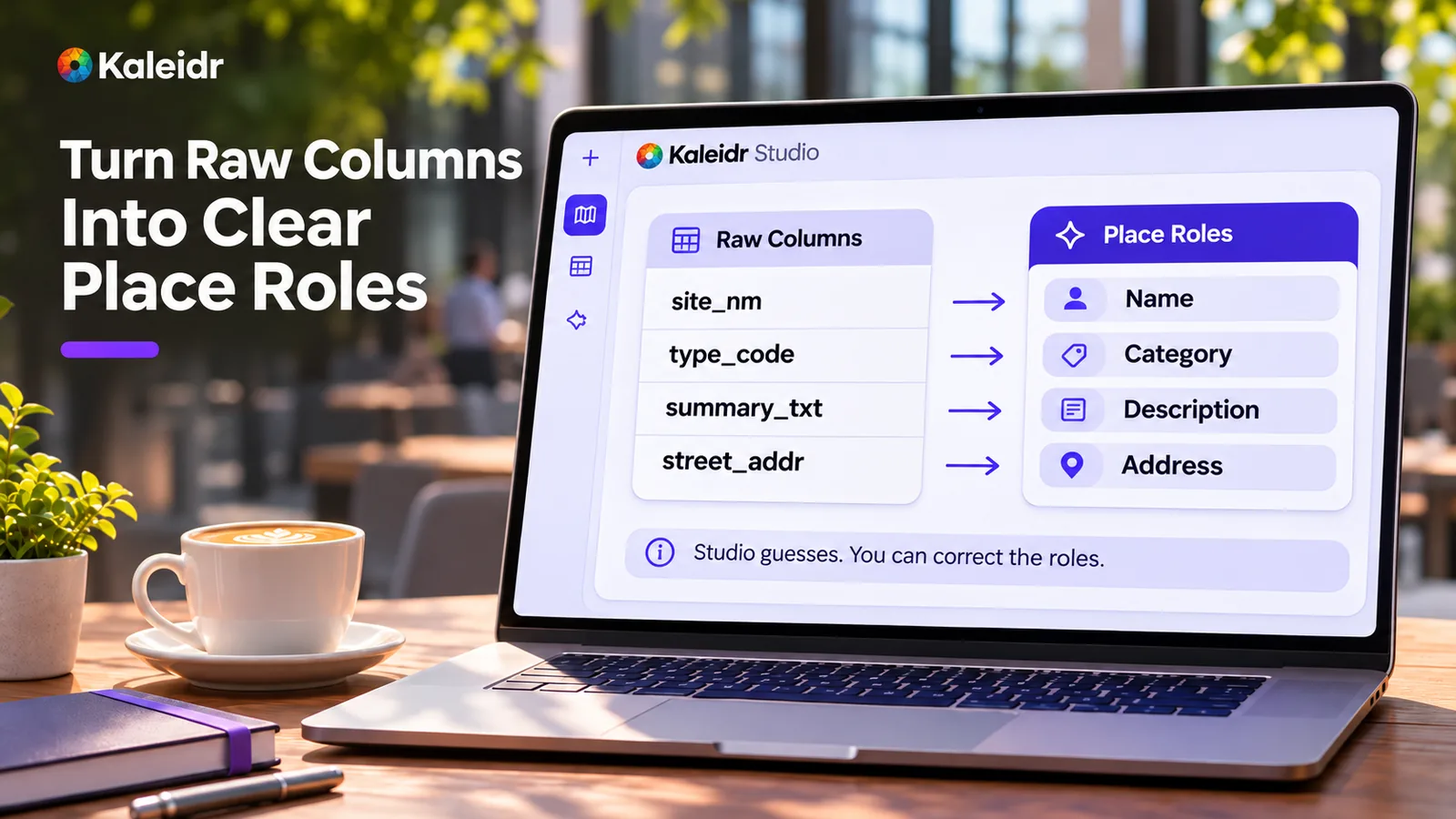
Studio guesses the four roles from the headers and the values, and you can correct them. The raw names on the left are an example of unclear headers, not a required schema. Address on this screen is the street-address role, not a point coordinate.
How is author analysis different from visitor chat?
The dataset assistant is for the person editing the map. It answers from one open dataset and can filter, count, group, average, and run near and inside lookups. Visitor chat is the Ask Kaleidr panel on a map you have published. That panel answers a public visitor about the named places the map shows, and it does not become a second copy of the Studio analysis tools.
A Studio dataset is also not the Enterprise business-data upload. Datasets on a map are available on Free, Pro, and Enterprise, and they are not read through an API key or the SDK. Business data that Kaleidr Map answers draw on is a separate Enterprise upload. Keep operational records on that path, and keep the file on the map when the question is about the rows you uploaded there.
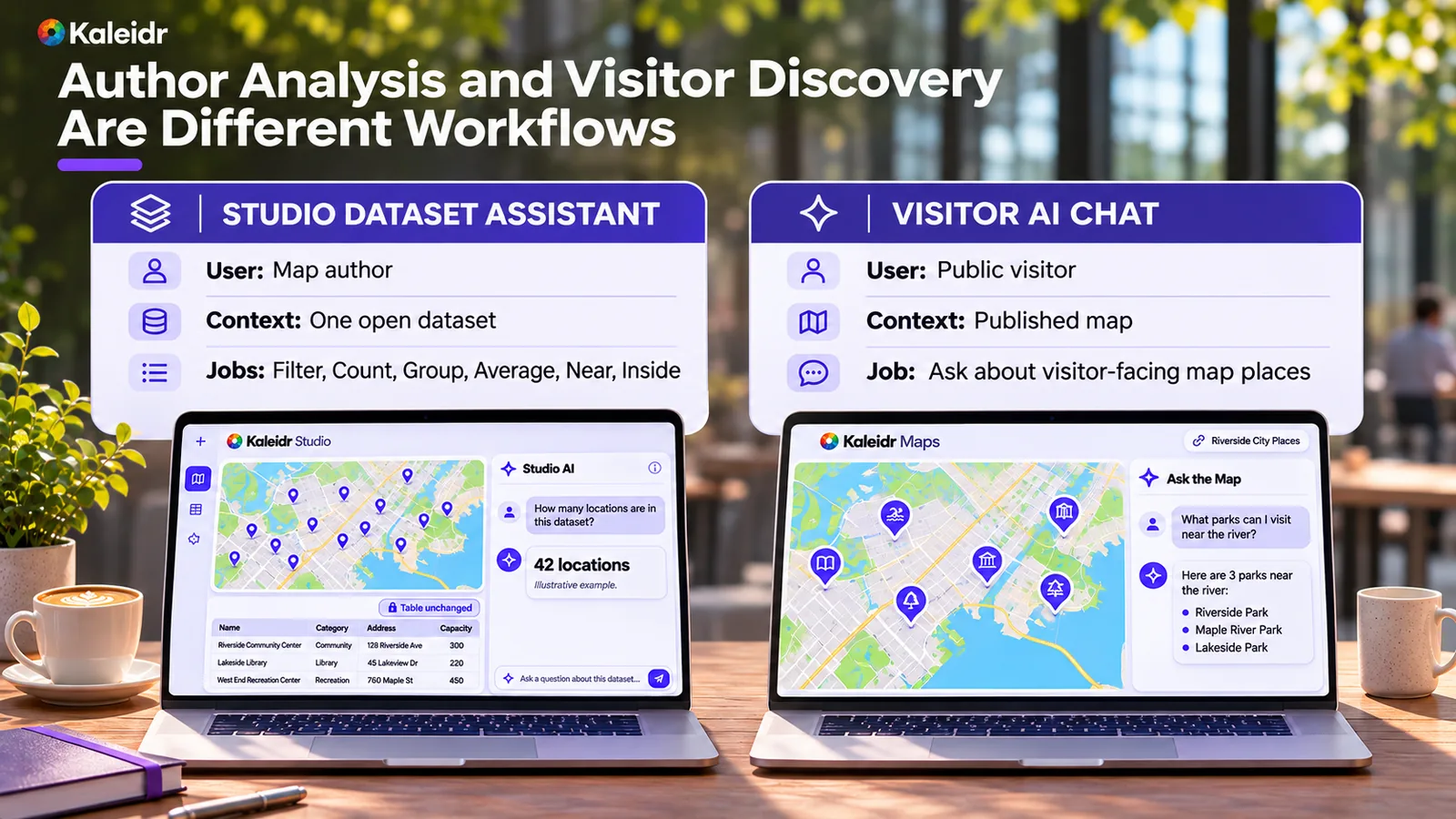
The left screen is the Studio assistant on one open dataset. The right screen is chat for a public visitor on a published map. The artwork labels that side Visitor AI Chat; the live panel is Ask Kaleidr. The 42 locations, the three parks, and both questions are sample labels.
How do you start with AI map data analysis?
Add a table or a geographic file to the map in Studio. Tables include CSV, TSV, TXT, XLSX, XLS, and ODS. Geographic files include GeoJSON, JSON, KML, GPX, and Shapefile. A GeoTIFF can be an image overlay, and an overlay has no column roles, so the row questions in this guide apply to a dataset of rows.
Check the four roles, ask a count or a group, and publish when the map should be public. A dataset the published map draws is shown to visitors, including columns the assistant does not quote in an analysis answer. Storage limits are separate from the 100-row result: one dataset holds up to 50,000 rows on Free and 100,000 on Pro and Enterprise, and one uploaded file is 32 MiB on Free and 64 MiB on Pro and Enterprise. Explore Kaleidr Studio to open a map, and see AI map chat on a published map when visitors should ask about the places you publish.
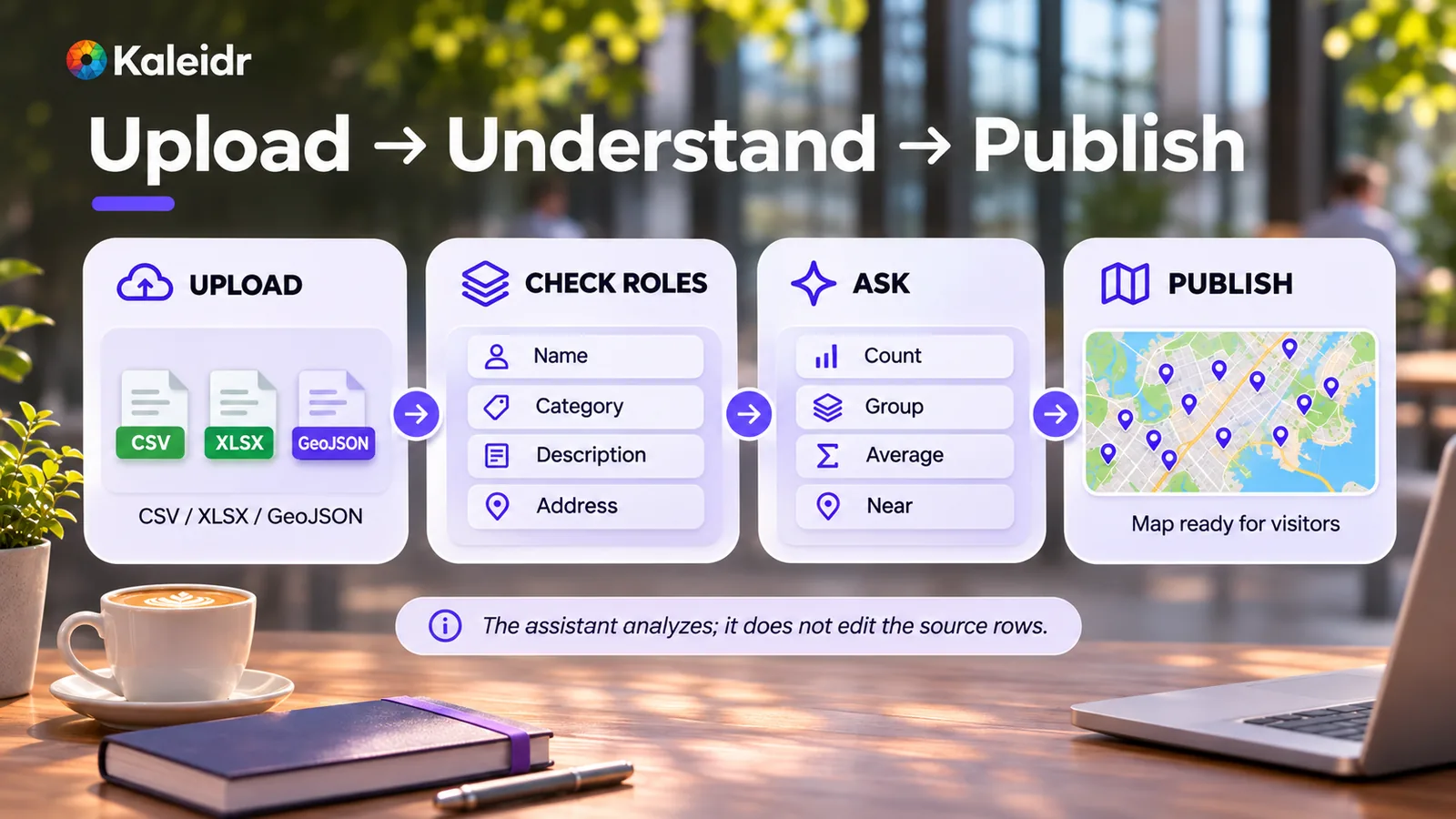
The path is upload, check roles, ask, then publish. CSV, XLSX, and GeoJSON on the first card are examples of supported files, not the full list. The footer says the assistant analyzes and does not edit the source rows.
Note: Kaleidr uses AI-assisted tools for image creation, content refinement, and research throughout its creative and development workflows.
FAQs
What is AI map data analysis in Kaleidr Studio?
AI map data analysis is a plain-language question to Studio's assistant about one dataset on the map you have open. The assistant answers from every row and does not change the table.
Does the assistant analyze every row?
Yes. A count, total, average, or ranking uses the whole dataset, not a sample. The visible result is a separate limit.
How many rows can one answer list?
At most 100 rows or groups. The count of matching rows can still cover every match. Ask for the following rows, or narrow the question, to continue.
Can one question use two datasets?
No. The assistant answers from one dataset and does not join two datasets or compare rows across them in one step. Name the dataset you mean when the map has several.
Does the assistant edit the dataset?
No. The assistant does not edit, add, or delete rows. Upload the file again when the source needs to change.
Which questions need coordinates?
Near and inside questions need rows with a point location. An area is a rectangle given by its west, south, east, and north edges. An Address column alone does not supply that point.
Which column roles does Studio detect?
Name, Category, Description, and Address, when Studio finds a column that fits. You correct them in the Column Roles fold of the Data panel. A later upload of a file with the same name keeps those roles when the columns still exist.
Does this read datasets on my other maps?
No. The assistant reads the datasets of the map you have open.
References
- Kaleidr Developer Docs. Answers from your own data. Whole-dataset questions in Studio, the 100-row result limit, read-only behavior, one dataset at a time, column roles, point rows for near and inside questions, file types, and plan storage limits. Accessed November 10, 2026. https://docs.kaleidr.com/your-data/overview
- Kaleidr. AI Map Chat for Published Maps: Setup and Best Practices. A related guide for the Ask Kaleidr panel on a map you publish. Accessed November 10, 2026. https://kaleidr.com/blog/ai-map-chat-published-map
References in BibTeX
@misc{kaleidr_answers_from_your_own_data_2026,
  title  = {Answers from your own data},
  author = {{Kaleidr}},
  year   = {2026},
  url    = {https://docs.kaleidr.com/your-data/overview}
}

@misc{kaleidr_ai_map_chat_published_maps_2026,
  title  = {AI Map Chat for Published Maps: Setup and Best Practices},
  author = {{Kaleidr}},
  year   = {2026},
  url    = {https://kaleidr.com/blog/ai-map-chat-published-map}
}